
Start by uploading a video
Simply paste a link to your Youtube video, or upload a video file, into Klap. Our rule of thumb: a one-minute long video produces about 5 video clips.
Create TikToks, Reels, Shorts from your long videos in just one click. Turn long videos into engaging clips in one click.
Try one video · no credit card required
Used by teams at
Resize your videos for any platform with our most advanced AI yet. It analyzes your scenes and applies the perfect layout—Split Screen, Screencasts, Gaming, and more—turning long videos into pro-quality clips in just one click.
Grow your audience like the top creators by sharing short-form content daily. Klap will help you create engaging video clips from your long videos in just a few clicks.


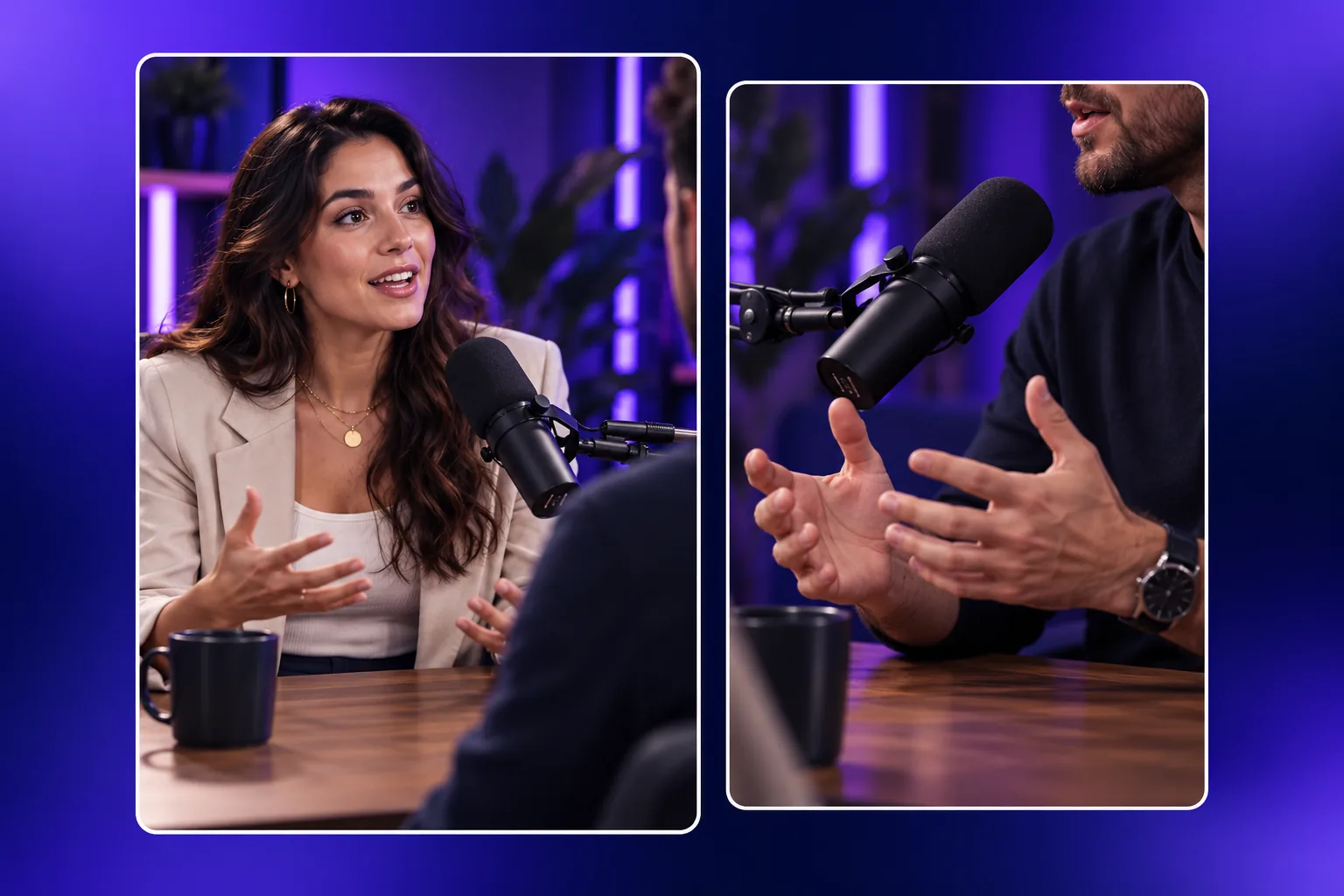
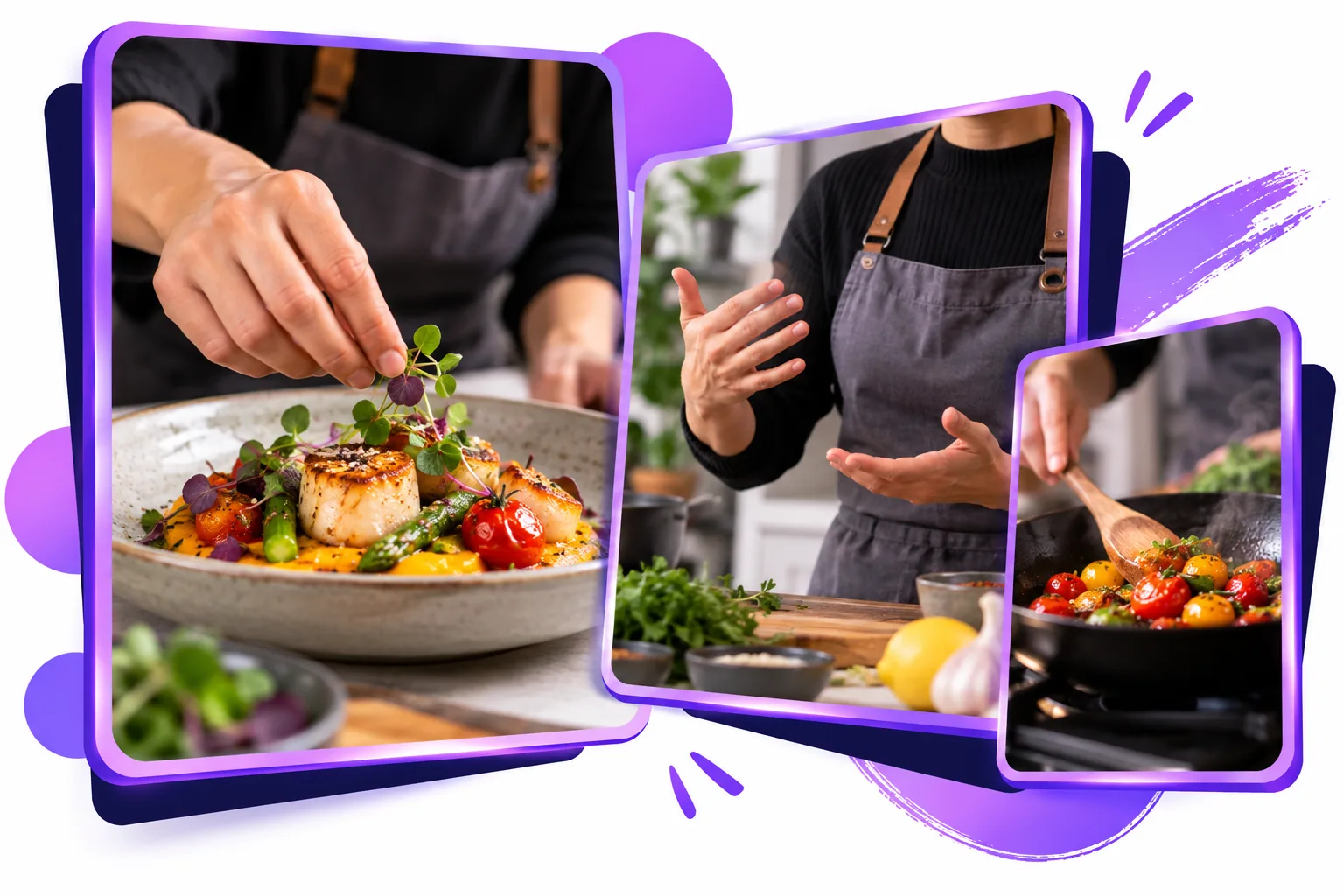
Klap will turn all your videos into many viral vertical clips. Our AI-powered tool will create engaging video clips from your content in just a few clicks.

Don’t trust us, trust the algorithm. Klap will instantly turn each video clip into viral worthy content. Our AI-powered tool will create engaging video clips and score their potential to go viral. And yes, we provide AI generated captions to post alongside the videos too.

Don’t limit yourself to just one channel, when you can repurpose your content to fit them all. Expand the reach of your long form content with Klap’s one-click solution: turning Youtube videos into multiple Reels, TikToks, and Shorts.

Automate your video creation and posting process. Once you automatically turn your long form videos into engaging clips with Klap, you can instantly share your new videos across your social media platforms. One AI video editor tool that does it all!
Simply paste a link to your Youtube video, or upload a video file, into Klap. Our rule of thumb: a one-minute long video produces about 5 video clips.
Just sit back and relax, while Klap does all the work for you. In a matter of minutes, we will give you multiple viral-worthy clips from your original video that you can use for Reels, TikTok, or Shorts.
After you make any final touches on your clipped videos, you’re all set to export them in high-resolution and share them on your other social channels. Get ready to see your followers and engagement grow!
Never spend hours editing your videos again. Klap uses AI to automatically create engaging clips from your content.
AI extracts the best topics from your YouTube video and automatically edits them into many viral-worthy clips.
Automatically reframe your video clips to always focus on the most important subject.
Keep your followers engaged with beautifully designed subtitles and recommended captions to help it go viral.
Fully customize everything to fit the unique needs of your brand: like fonts, colors, logos, and framing.
Directly share your new video clips on your social media channels and schedule them to fit your content strategy and ultimately grow your followers.

Save time and create more. Our AI video clip generator will turn all your long videos into viral clips for your social media channels. Keep posting and watch your followers grow.

Foaad K.
“Amazing experience for all content creators to 5x their work speed.”
This is an amazing experience for all content creators to 5x their work speed. Before using this app I had to use a text to speech service, another software to edit and tune the subtitles, another one to apply animations and another one to video edit. Klap intelligently does all these tasks and curates the content at the same time. And all of this for free. Can you believe it?
Raysingh M.
Very nice product
Louise H.
“Impressive stuff.”
It is able to extract the best parts of my home podcast, impressive stuff.
Healsha
“I love it.”
So powerful, I recently found it through a YouTube video, very simple to use and performant, I love it.
Elise H.
“Highly recommend using this tool to save time editing and quickly repurpose your content!”
Klap makes it super easy for brands and creators to instantly convert long-form videos into Reels, TikToks and Shorts. Highly recommend using this tool to save time editing and quickly repurpose your content!
Yang B.
Quite useful in content times
Fred A.
Love it!
Dearbhail B.
“Honestly impressed.”
I used Klap on my 2h long business video podcast and it generated high quality shorts I was able to post on my socials directly. Honestly impressed.
Alan D.
“I can confidently say that your product is the best on the market.”
We tested and analyzed all similar platforms, including Opus Clip, Vizard, and many others—around ten different platforms. I can confidently say that your product is the best on the market. It might not be the most popular today, but in terms of quality, editing, overall service, and approach, I believe it is the best product out there.
Jacob B.
“Strongly recommended.”
Great tool. Works perfect. Strongly recommended.
Anastasiia G.
“Game changer for video editing.”
It's a game changer for video editing, it's user-friendly and saves a lot of time. Highly recommend!
Benjahmin K.
“Easy to use.”
I like Klap for making it easy to turn videos into shorts for my YouTube channel. The editor is intuitive and easy to use.
Once you upload a video, Klap uses artificial intelligence to identify the most interesting topics. Using intelligent framing and facial recognition to create responsive subtitles, it then converts these topics into shorter clips. In just one click, you can convert a long YouTube video into ready-to-publish videos for Instagram or TikTok.
Klap works for all different kinds of videos, but it works best for videos that incorporate speaking: podcasts, interviews, educational videos, product reviews, trainings, and more. This is because the algorithm relies heavily on speech detection.
Klap edits and transcribes videos in many languages, including English, French, Spanish, Portuguese, German, Japanese, Italian, Dutch, Hindi, Korean, Turkish, Polish, and more.
You can try Klap on one video with no credit card. Create a clip, preview the result, and explore the editing experience before choosing the option that fits your workflow.
Feel free to contact us through the Klap support experience after you start creating.